
IGTAP Controls: Keyboard, Controller and Rebinding
IGTAP default controls are WASD, Space and Shift, with TAB for upgrades. Fix sticky-keys prompts, controller cursor issues and inconsistent double jumps.
IGTAP uses a very small control set. You move with WASD, jump with Space, dash with Shift, and open the upgrade panel with TAB. Everything else, including wall jumps and the second jump, arrives later as an unlock and reuses the same keys.
What the default keyboard keys are
| Action | Key | Notes |
|---|---|---|
| Move | WASD | The game’s own testers used keyboard; arrow keys work as a rebind target |
| Jump | Space | Hold longer to jump higher |
| Dash | Shift | Unlocks as a purchase; either Shift key works |
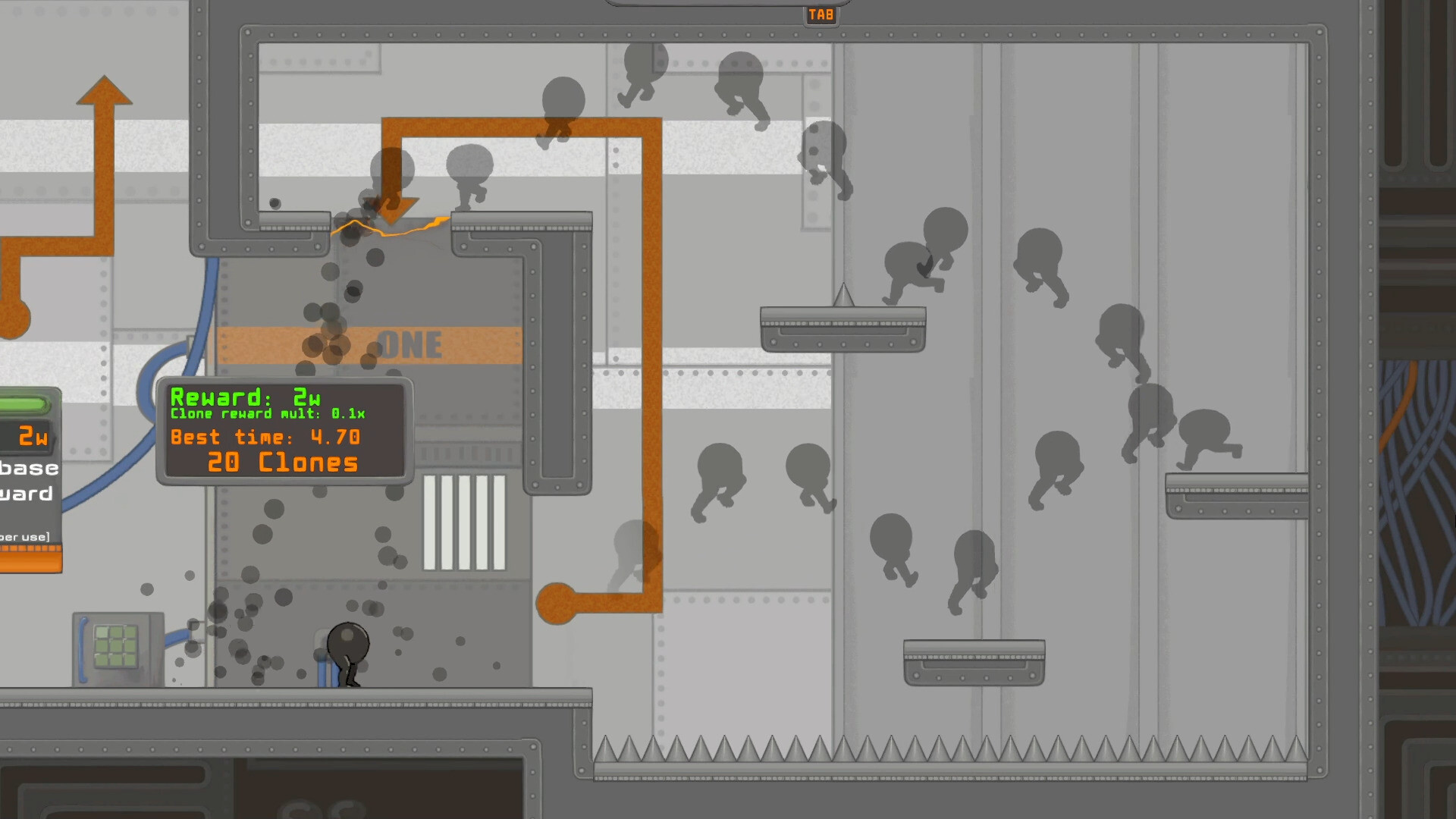
| Upgrade panel | TAB | Shown in the official screenshots |
Jump height is analog. A short tap clears a low ledge, and a full hold reaches the highest platform. This one detail explains most “the jump did not work” reports.
Why dash and jump sit next to each other
Two inputs unlock every hard route in the game: the dash jump and the mid-air dash.
- Dash jump: press dash first, then jump while still dashing. Do not press them at the same instant.
- Mid-air dash: press dash a second time while airborne.
Keep both keys under one hand. In practice, almost every difficult section is one of these two motions chained together.
Controller support and how it compares
The store page lists full controller support for Xbox, DualShock and DualSense pads. Analog sticks make the small horizontal corrections in spike sections easier than a keyboard does.
Two player reports are worth knowing before you commit:
- With a controller connected, the mouse cursor can stay visible on screen.
- Controllers do not work on a phone through the browser build, according to two separate comments on the free web version.
Whichever you pick, stay with it for a full session. The timing muscle memory does not transfer cleanly between keyboard and pad.
How to rebind keys and fix input problems
- Rebind in the settings menu. Players report the binding screen works and that arrow keys, Z and C are all valid targets. A popular layout swaps movement to the arrow keys.
- Disable the Windows sticky-keys prompt. Pressing Shift five times triggers it. In Windows, open Settings, then Accessibility, then Keyboard, and turn off the shortcut for Sticky Keys. Otherwise the prompt interrupts your dash.
- Hide the mouse cursor. Move it to the edge of the screen, or check the display settings for a cursor option. This is a reported annoyance rather than a confirmed bug.
- Test the double jump on a flat course. If your head hits a ceiling, the game withholds the second jump on purpose. Reload a course to rule out a stuck state.
- Expect a relearning period after omni-dash. That upgrade replaces the double jump with an all-direction dash, so your old muscle memory stops matching the game.
When keyboard play gets harder
One Steam thread asks whether course one becomes impossible on a keyboard once omni-dash is unlocked. It is a fair question, because the dash loses its fixed direction and gains three more.
The usual answer from runners is to re-practise on an easy course. Rebuild the dash-then-jump rhythm there before returning to the hard routes.
How to report a real input problem
Use the pinned bug thread on the Steam hub or the official Discord linked in the launch announcement. Include your course, your unlocked abilities, the exact key presses and what happened instead. A recording helps far more than a description, because input timing is hard to put into words.
Sources: official IGTAP screenshots on Steam, the store page controller list, the Steam discussion board, the free web build’s public comments, and recorded gameplay from the demo and launch builds.